Automatic vs Manual Gates: Which Suits the Site?

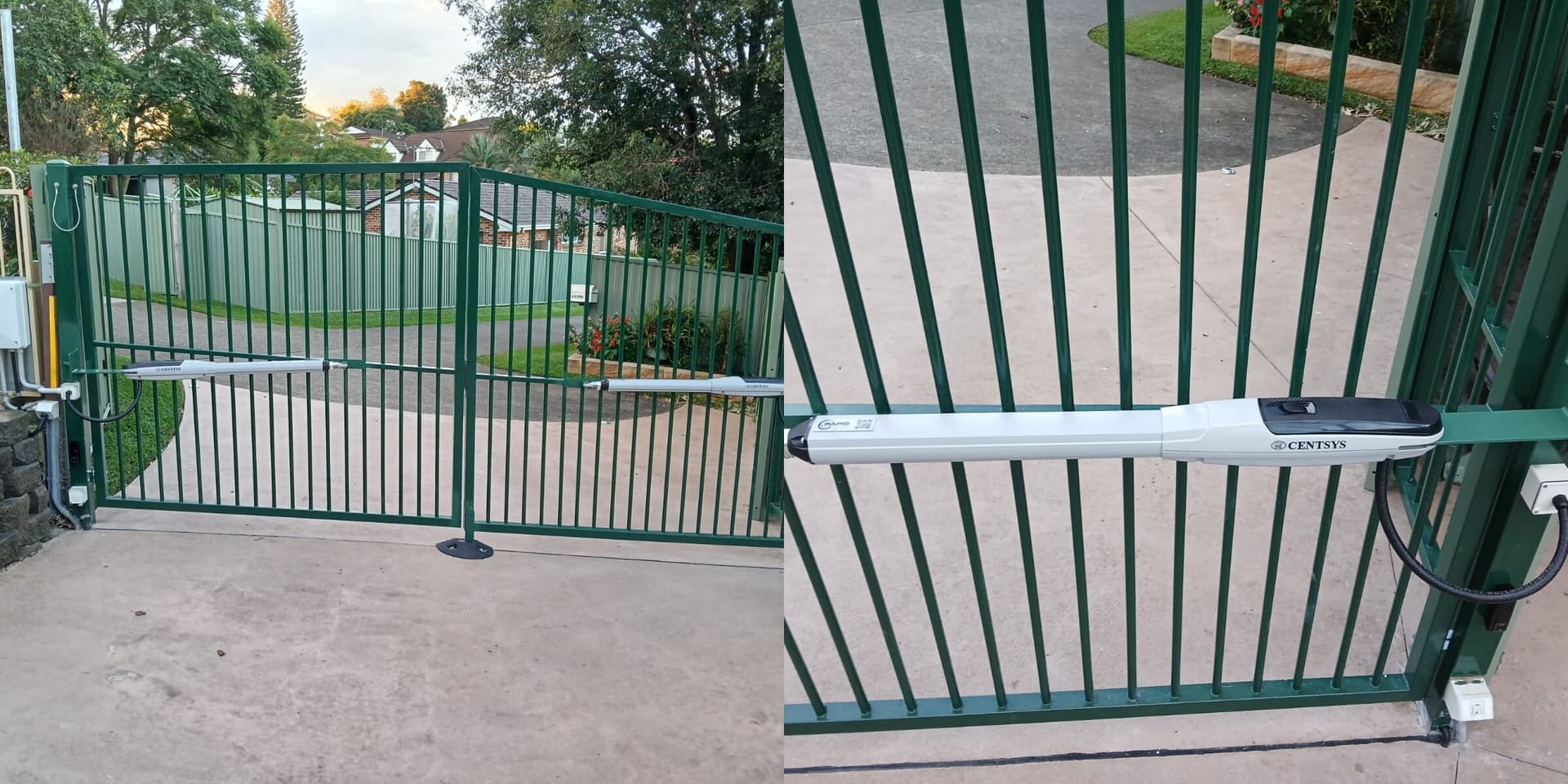
Automatic gates remove the need for a person to open and close the entrance for every movement. Manual gates avoid motors, controls and power infrastructure. Neither option is universally better: the right choice depends on traffic frequency, gate size, users, security procedure, site geometry and what should happen when equipment or power is unavailable. A competent gate installation assessment should start with those operating conditions rather than a list of generic advantages.
Start with Movements, Users and Gate Effort
Count typical and peak movements, including visitors, contractors and deliveries. A lightly used, balanced manual gate may be practical when an authorised person can operate it safely. Frequent movements, a heavy leaf, bad weather, limited mobility or a need to close the entrance consistently can make gate automation more suitable. Automation does not repair a distorted, poorly supported or badly aligned gate; the structure and movement must be suitable first.
Access Control Is Different from the Gate Motor
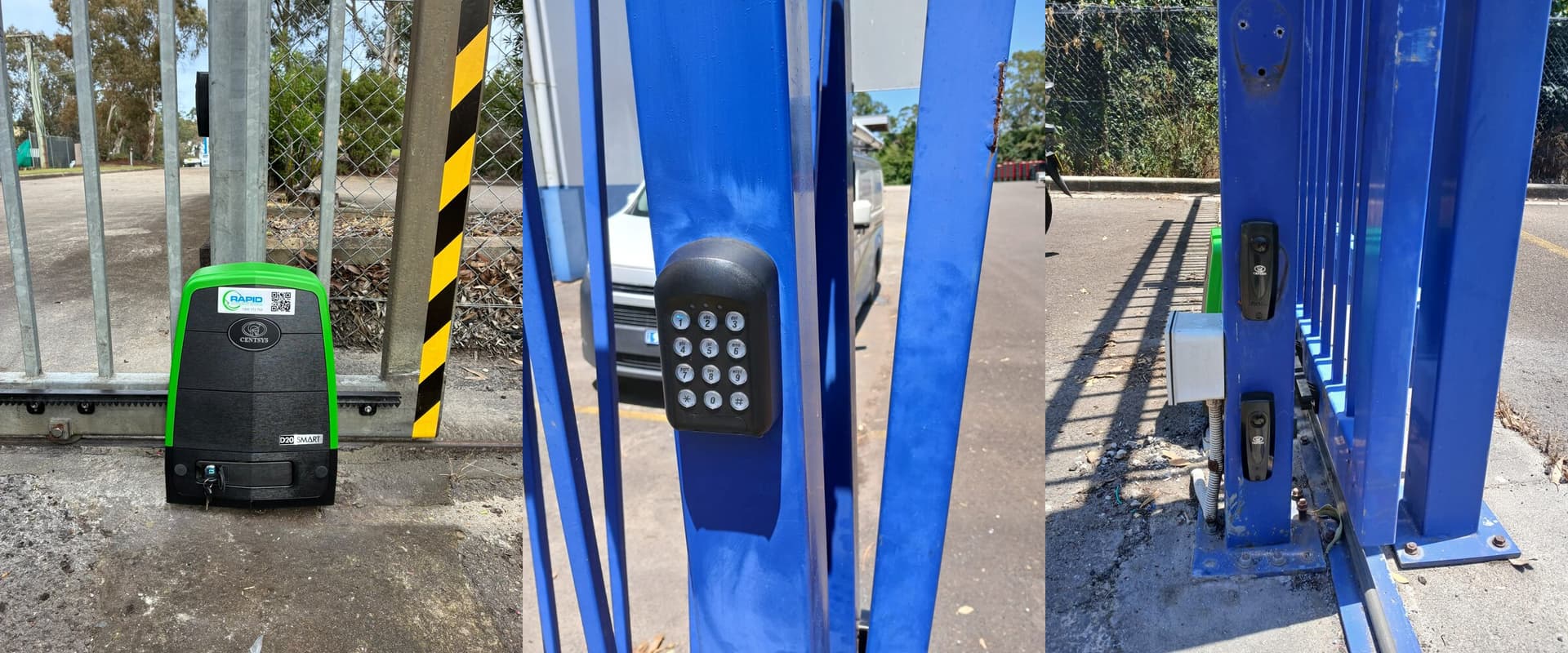
An automated gate can work with remotes, keypads, intercoms, mobile credentials or other access-control methods. That may improve consistency and create useful event records, but it does not guarantee that credentials will not be shared or that one vehicle will not follow another. A manual gate can also be locked, although every authorised movement needs a workable key and operating procedure. Define visitor verification, credential cancellation, after-hours access and incident response separately from the opening mechanism.
Plan for Power Loss and Equipment Failure
Ask how the site should operate during a blackout, motor fault, damaged gate, lost credential or communications outage. Depending on the risk and product, the solution may involve backup power, a controlled manual release, a secure open or closed position, staff instructions and an escalation contact. The selected gate motor and controls must suit the leaf, duty cycle, environment and required failure behaviour — not only the opening speed.
Both Options Need Safe Operation
A manual gate can fall, swing unexpectedly, roll away, trap hands or create unsafe exertion. Automation adds powered movement and potential crushing, shearing, trapping and impact zones. SafeWork NSW’s industrial gate guidance calls for competent installation, risk assessment, inspection and maintenance, and warns that manually disconnecting a drive can disable functions such as anti-collision, travel limiting and speed control. Controls must be selected for the actual hazards and users.
Automation Adds Electrical Scope
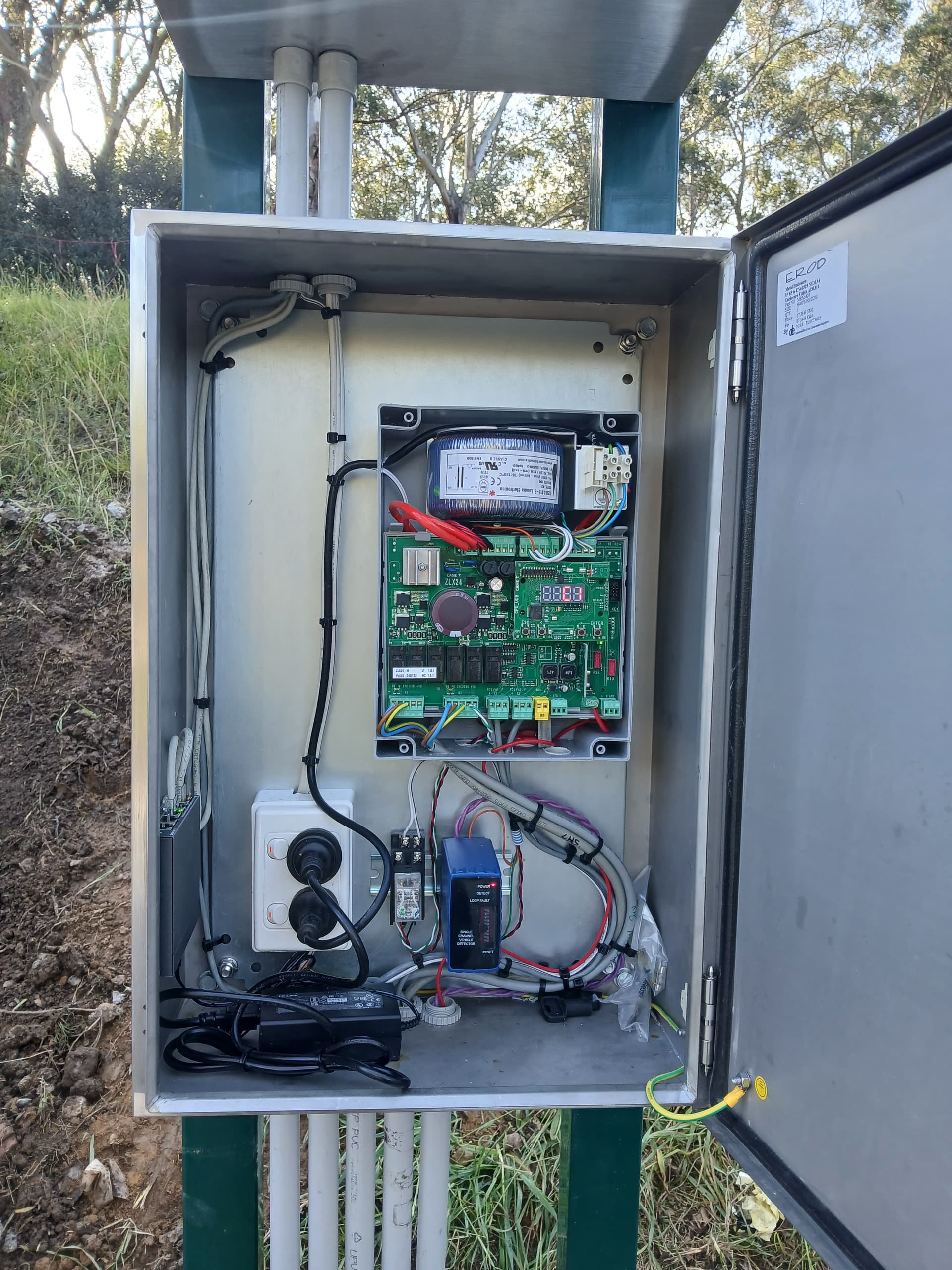
Permanent electrical work must be planned and completed under the requirements that apply in the site’s state or territory. For example, Energy Safe Victoria explains who may carry out electrical installation work and the certificate obligations in Victoria. Confirm the equivalent local licensing and documentation requirements rather than treating the automation kit as a do-it-yourself appliance.
Practical automatic-versus-manual comparison
| Criterion | Manual gate | Automatic gate |
|---|---|---|
| Movements and user effort | Can suit light use where authorised users can operate the leaf safely. | Can reduce repeated handling where traffic, gate effort or weather makes manual operation impractical. |
| Access procedure | Relies on keys, locks and a workable opening and closing procedure. | Can integrate remotes, keypads, intercoms or managed credentials. |
| Power loss or fault | No powered operator, although hinges, tracks and locks can still fail. | Needs an appropriate manual release, outage procedure and fault response. |
| Maintenance | Structure, hinges or track, stops and locking still require attention. | Adds operators, controls, safety devices, power and credential equipment. |
| Lifecycle cost | Usually fewer powered components, but staff time and inconsistent closure may carry operating costs. | Higher system scope and service needs may be justified by traffic, access and operating requirements. |
Use this as a site-assessment prompt rather than a universal recommendation.
Compare Lifecycle Cost, Not Purchase Price Alone
A manual gate usually has fewer powered components, but it still needs sound posts, hinges or tracks, stops, locks and inspections. Automation adds operators, safety devices, controls, cabling, commissioning, access credentials and planned servicing. Compare installation, staff time, downtime exposure, consumables, replacement parts and expected service life. A documented service and maintenance plan should be part of the automatic option’s budget.
Practical Selection Checklist
Record gate dimensions and condition; daily and peak movements; vehicle and pedestrian conflicts; required opening time; users who may have limited strength or mobility; credential and visitor workflows; failure and emergency procedures; power availability; environmental exposure; maintenance ownership; and lifecycle budget. Automation is justified when it solves those documented needs safely and reliably — not because every automatic gate is more secure, valuable or economical than every manual gate.
Comparing gate options?
Match the operating method to real traffic and users
Rapid Automatic Access can assess the gate, usage, power, safety controls, access methods and maintenance requirements before recommending automation or a different site solution.
Related articles
Automatic Gates
Types of Electric Automatic Gates
Compare swing, sliding, vertical-lift and bi-fold automatic gates, then assess the space, slope, traffic, safety and maintenance needs of your site.
Sliding & Swing Gates
Sliding vs Swing Gates: Which Is Best for Your Property?
Compare sliding and swing gates by driveway slope, space, wind exposure, security, maintenance and traffic needs before choosing a system.
Compliance & Safety
10 Electric Gate Mistakes That Lead to Faults or Risk
Ten avoidable electric-gate mistakes involving maintenance, DIY repairs, remotes, worn components, installation, product selection and safety.